Automatic appointment reminders via WhatsApp
Connect Google Calendar, create appointments in the app, or import from Excel. RicordamiApp sends WhatsApp reminders automatically so you get more confirmations, fewer no-shows, and zero stress.
Google Calendar Integration
Keep using Google Calendar. We add WhatsApp reminders.
No new system to learn, no habits to change. RicordamiApp connects to the Google Calendar you already use every day.
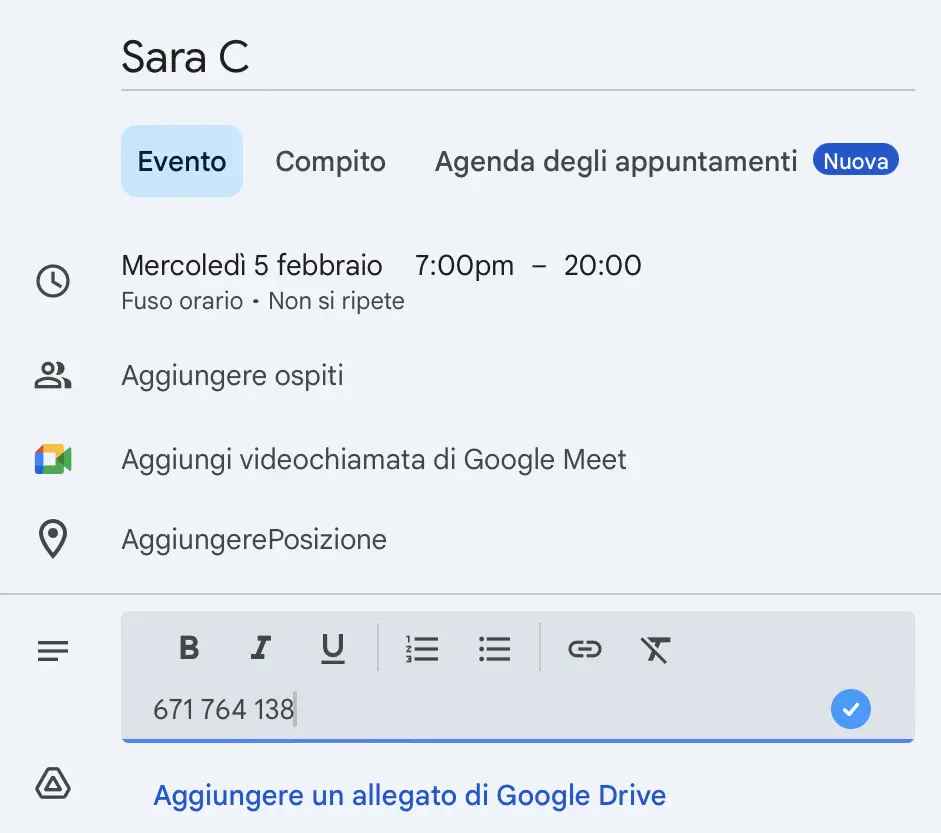
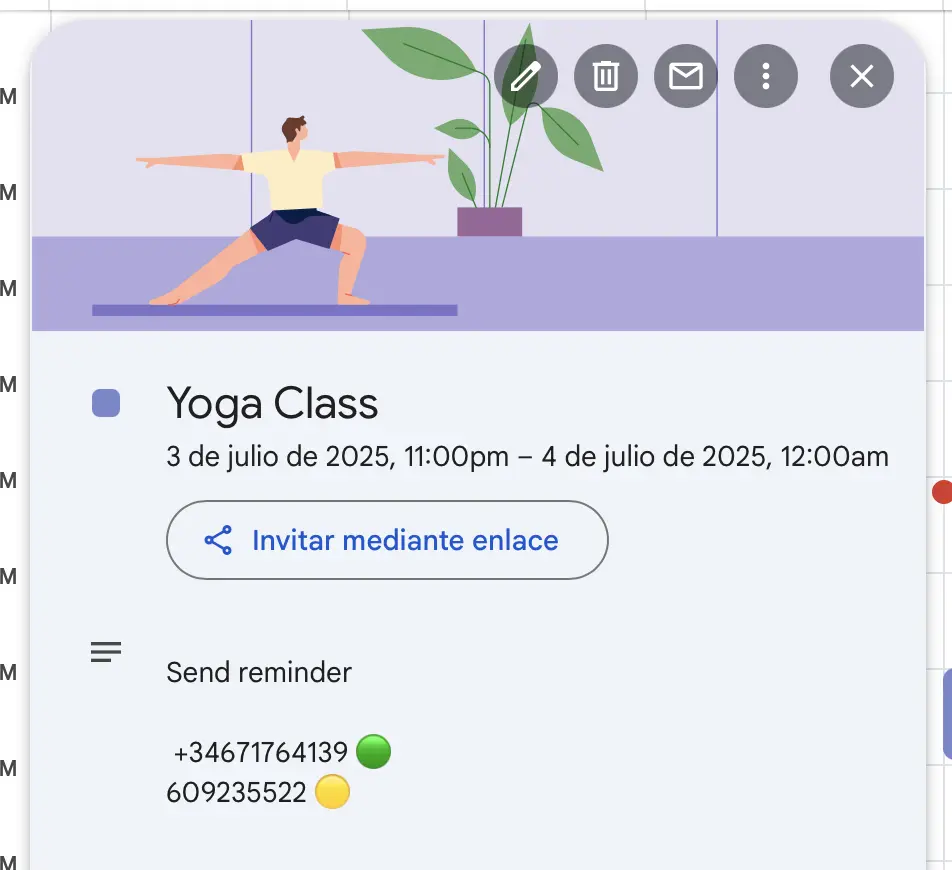
Add your client's phone number to the event description. We handle everything else: no extra work, no duplicate data entry.
Your calendar stays yours, now with automatic WhatsApp reminders built in.
Don't use Google Calendar? You can also create appointments in the app or import from Excel/CSV.
How the Google Calendar integration works
Works with Google Calendar
Direct Appointment Creation
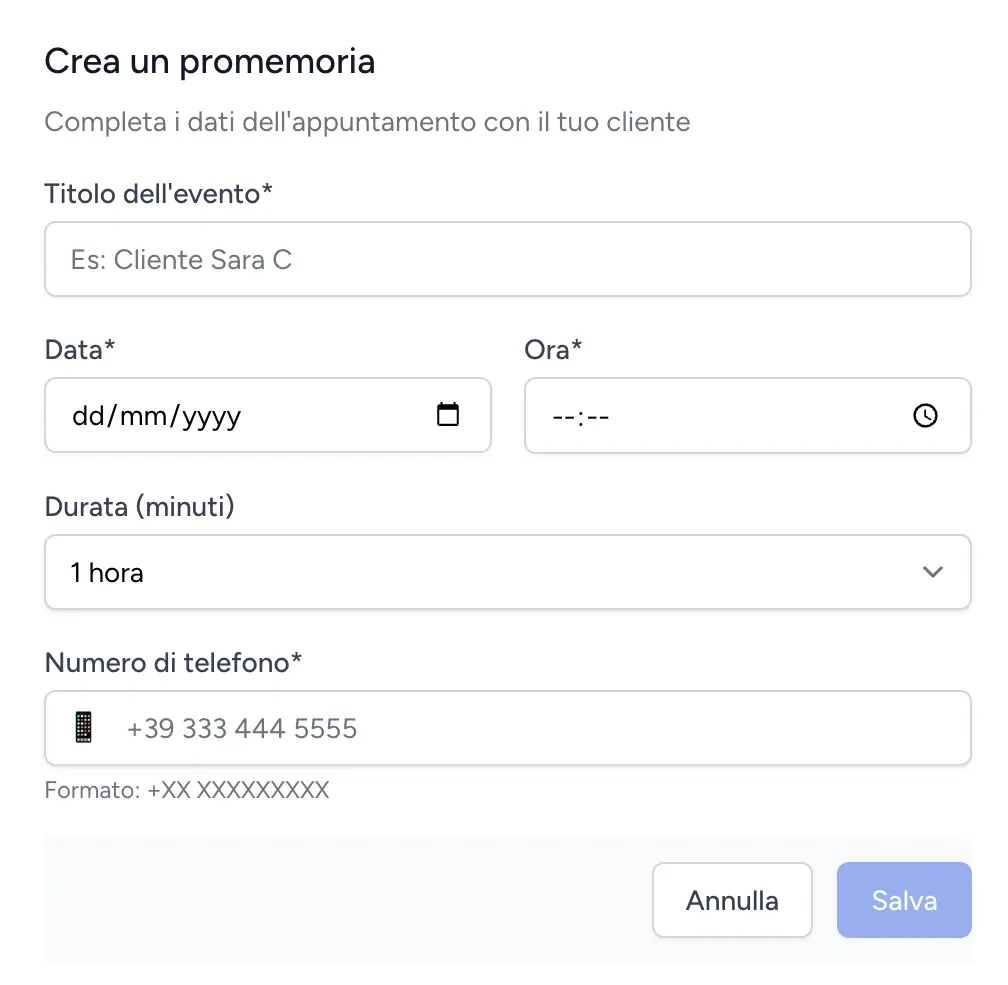
No calendar? Create appointments right in the app.
You don't need Google Calendar to use RicordamiApp. Create appointments directly in the app and we'll send WhatsApp reminders automatically.
Enter your client's name, phone number, date, and time. That's it.
Available on all plans. Start sending reminders in minutes with zero setup.
Bulk Import
Upload a spreadsheet, schedule hundreds of reminders at once
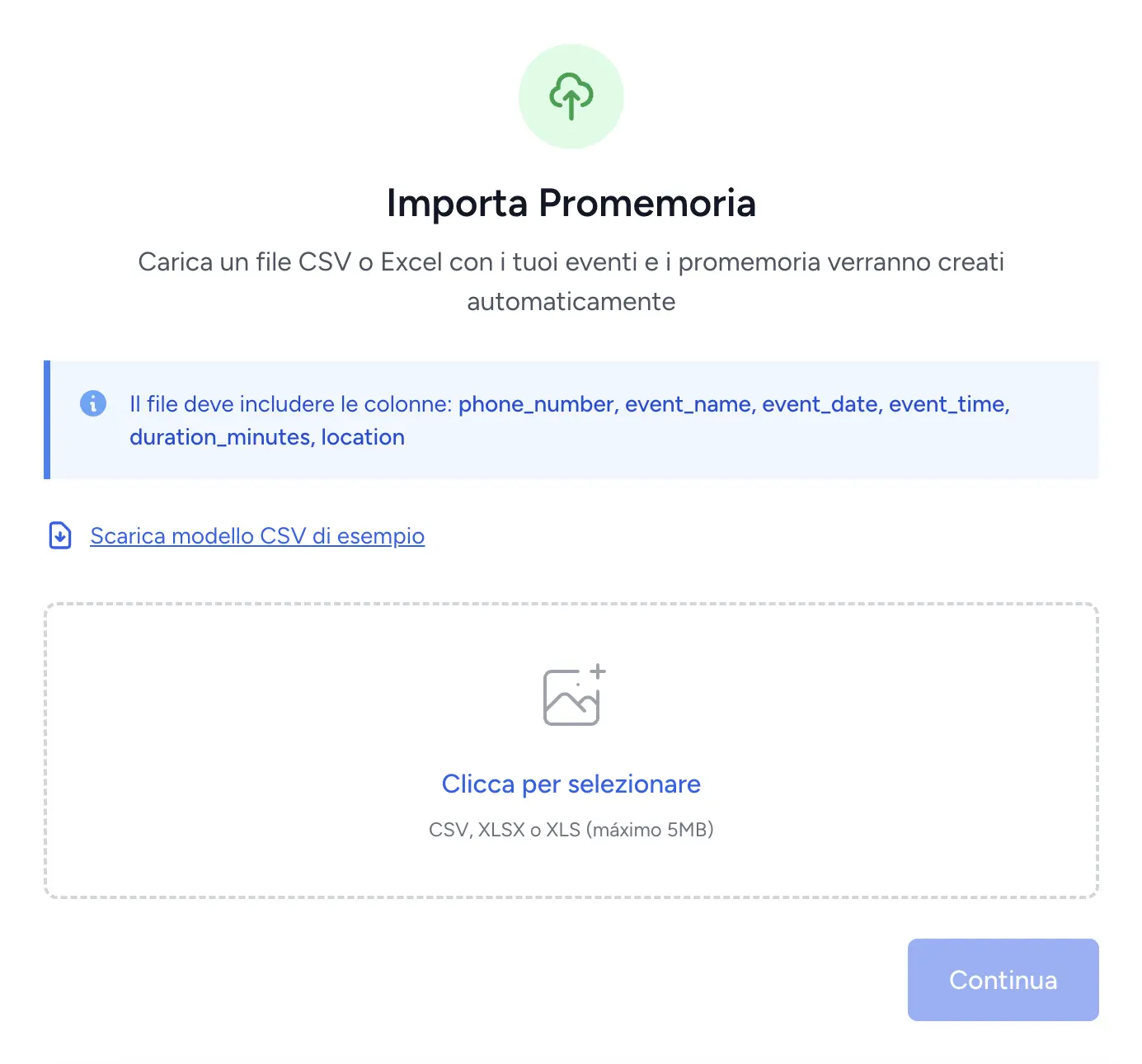
Already have appointments in Excel or your management system? Upload a CSV file and RicordamiApp creates the events and schedules reminders automatically.
Great for large appointment lists, migrating from another system, or scheduling a full week of reminders in one go.
Available on Team and Business plans.
Reminders or Confirmations
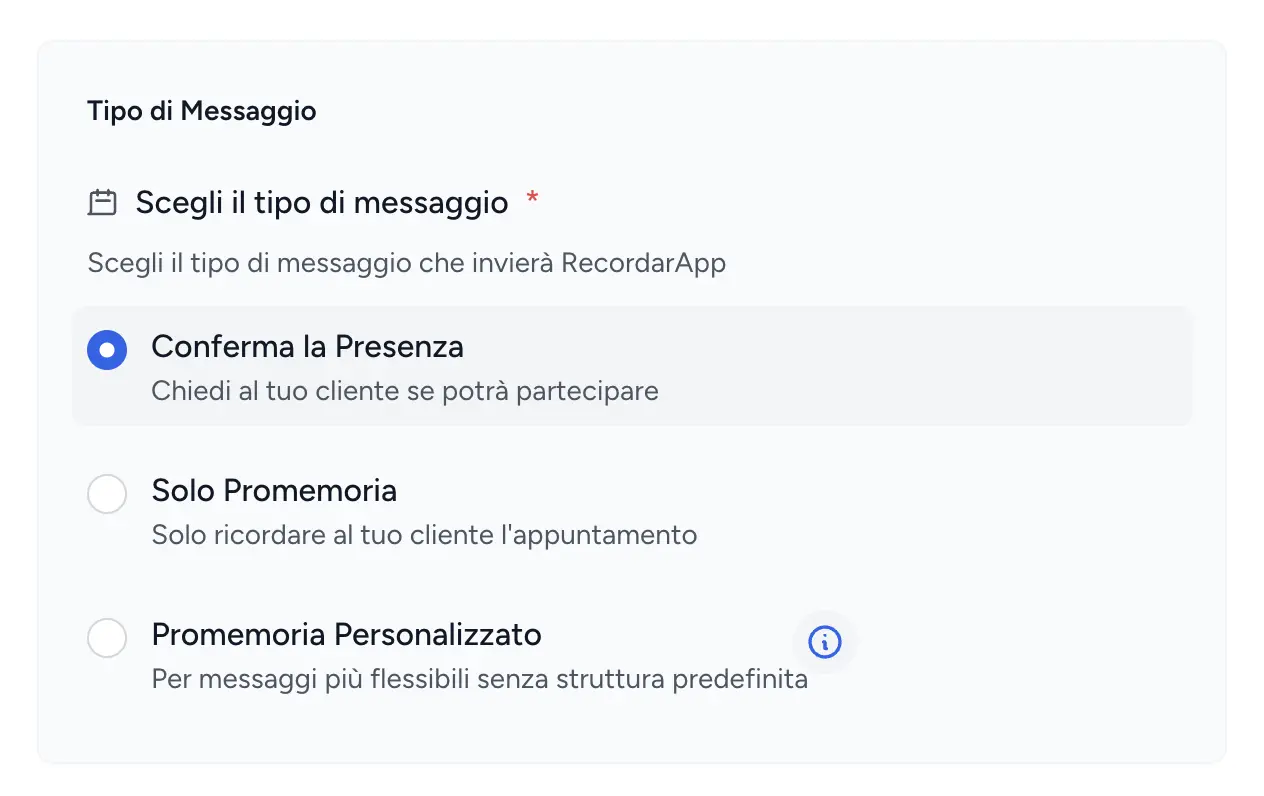
Simple reminders or confirmation requests. Your call.
Some appointments just need a heads-up. Others need a "yes" before you block out the time.
Send a friendly reminder ("See you tomorrow at 3:00 PM") or ask for confirmation ("Reply YES to confirm your appointment"). You pick the mode per event type.
Use reminders for routine visits and confirmations for high-value bookings where no-shows cost you the most.
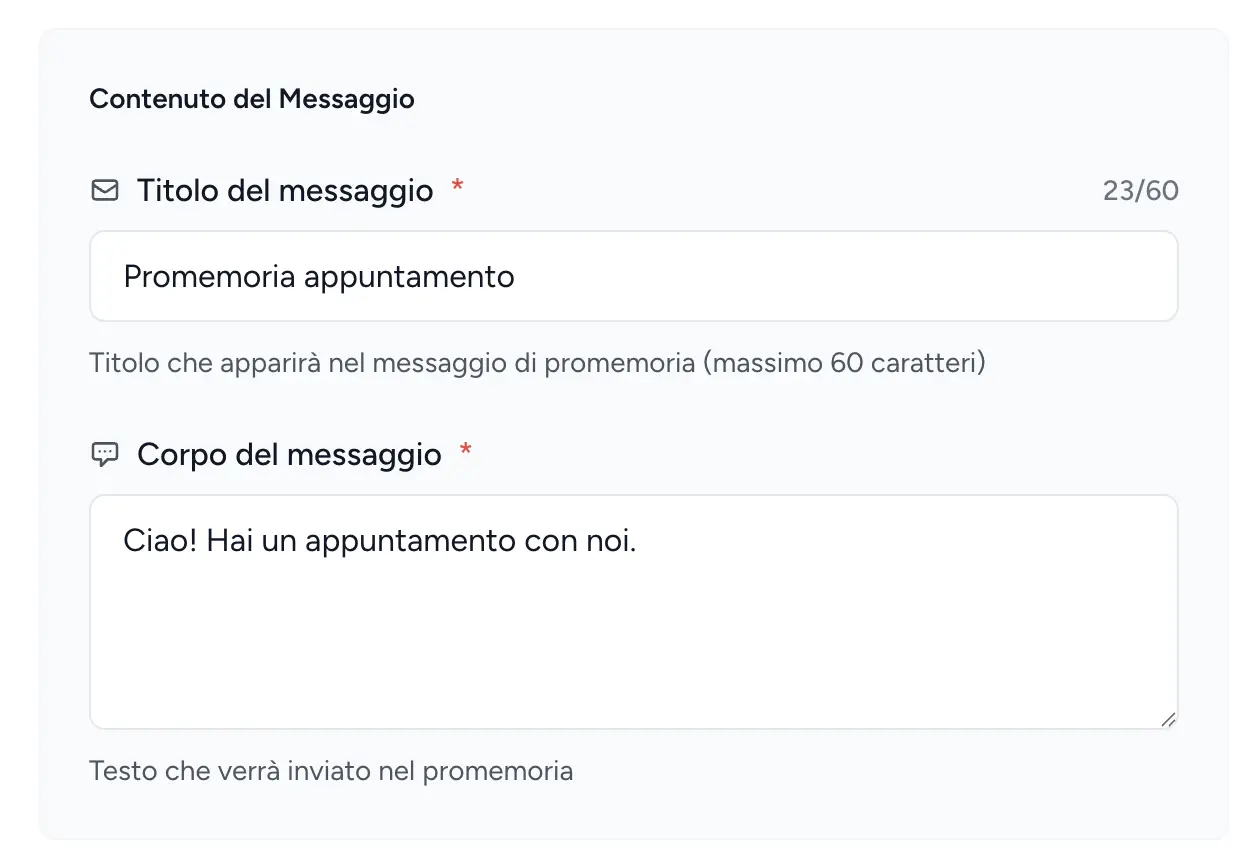
100% Customizable Messages
Your words, your tone. We just deliver them.
Generic robot messages don't build trust. Write reminders that sound like you, with your own voice and style.
Add specific instructions, payment details, or a warm greeting. You control every word your clients read.
Clients notice when a message feels personal. That's the difference between a reminder they ignore and one they act on.
Flexible Timing
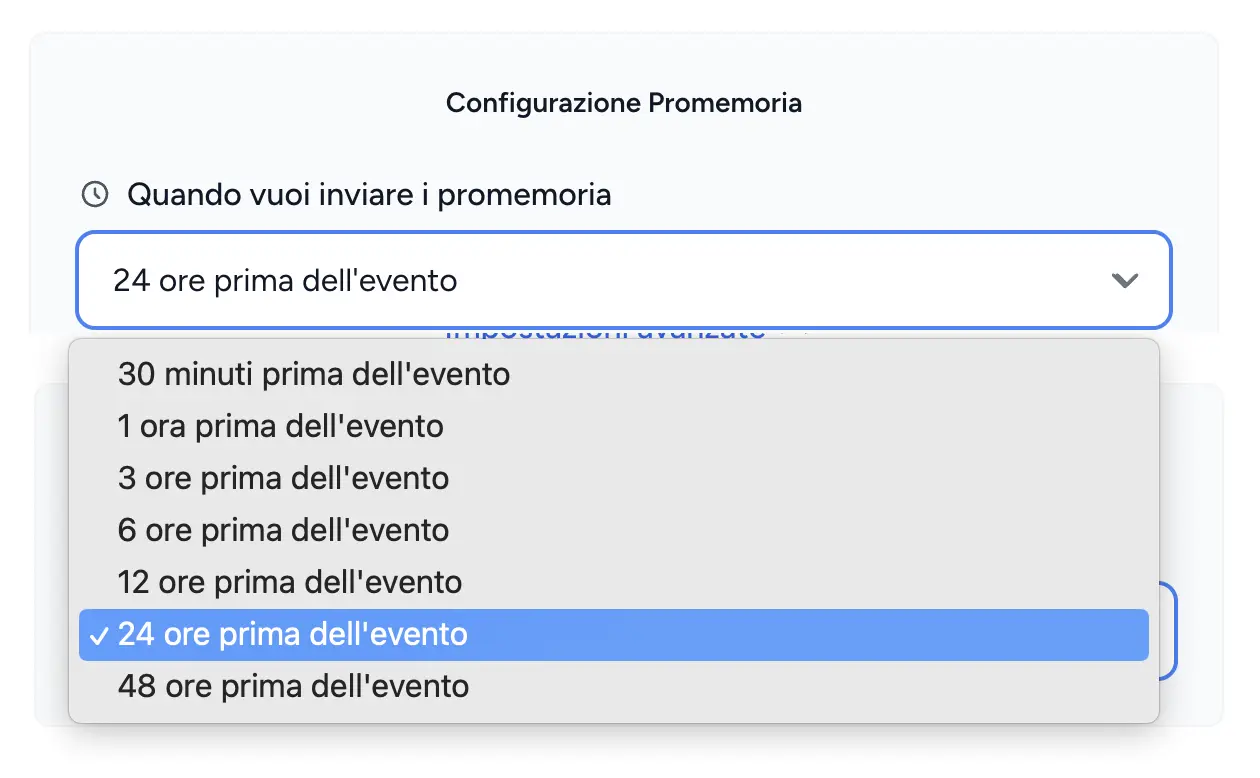
Send reminders at the right moment, automatically.
Choose when each reminder goes out: 48 hours before procedures that need prep, 24 hours for routine visits, or 2 hours for quick services.
Set different lead times for different appointment types. You know your clients best.
Follow-up Messages
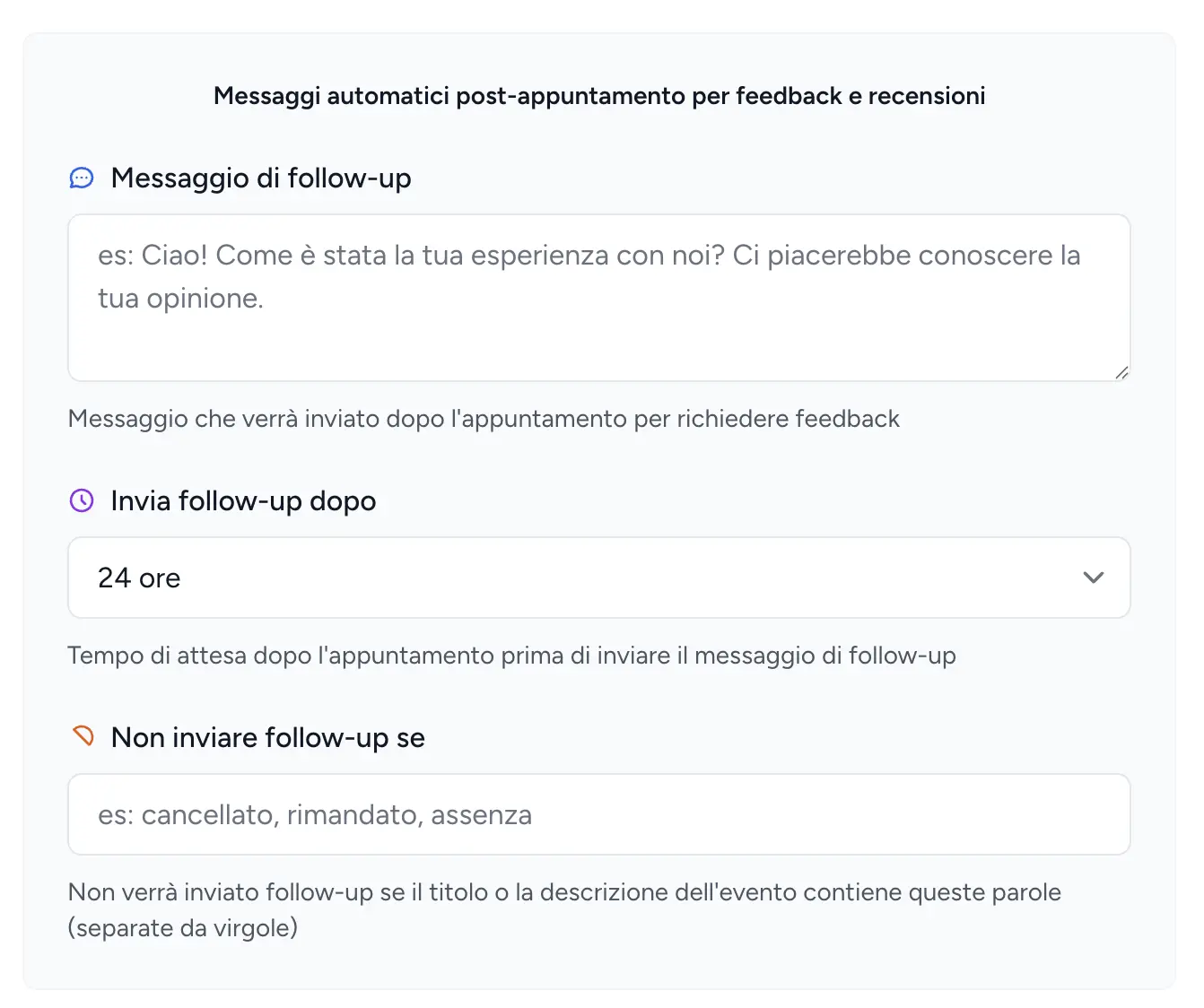
Get reviews and feedback after every appointment.
After each visit, RicordamiApp automatically messages your client to ask how it went and request a review.
More reviews mean more trust from new clients. More feedback means you spot problems before they become complaints.
Set it up once. It runs automatically for every appointment.
Sending Rules
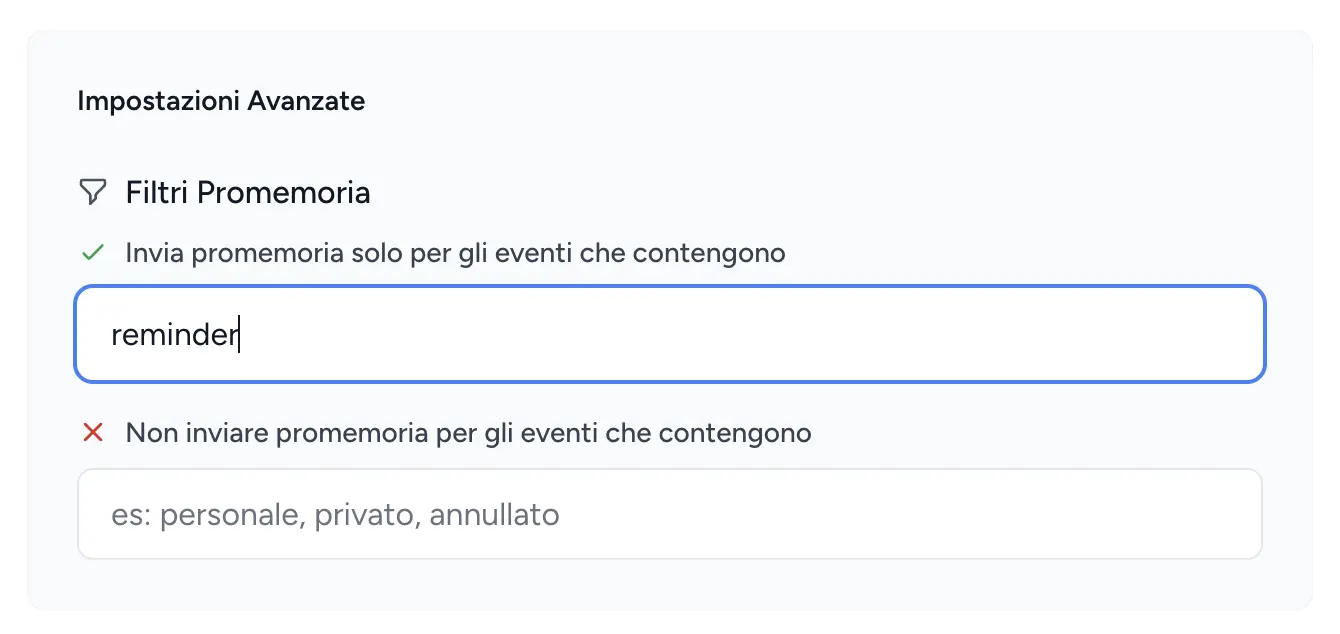
Control exactly which events trigger reminders
Set simple rules: only send reminders for events containing words like "client" or "appointment," and skip anything tagged "private" or "do not send."
Filters keep your reminders relevant. No accidental messages for personal events or internal meetings.
WhatsApp Web Extension
Create reminders without leaving WhatsApp Web
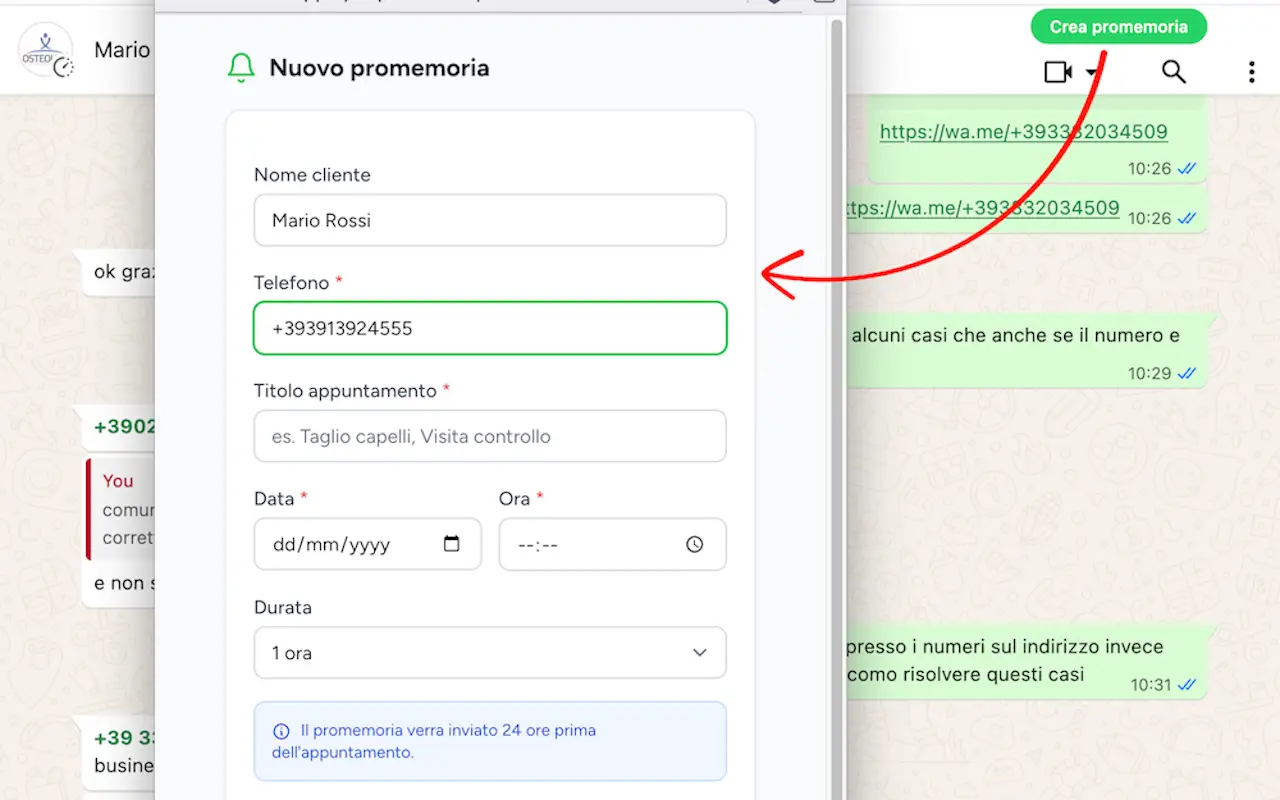
Chatting with a client and want to set a reminder? The Ricordami extension adds a button right in the chat. One click.
It auto-fills the contact's number and name, then opens the reminder form. Pick a date and time, done.
Works with Chrome, Edge, Brave, and Opera.
Group Reminders
One event, multiple people, all reminded automatically.
Add up to 15 phone numbers to a single event. RicordamiApp sends a reminder to each participant automatically.
Perfect for group classes, workshops, and any appointment where multiple people need to show up.
Up to 15 participants per event